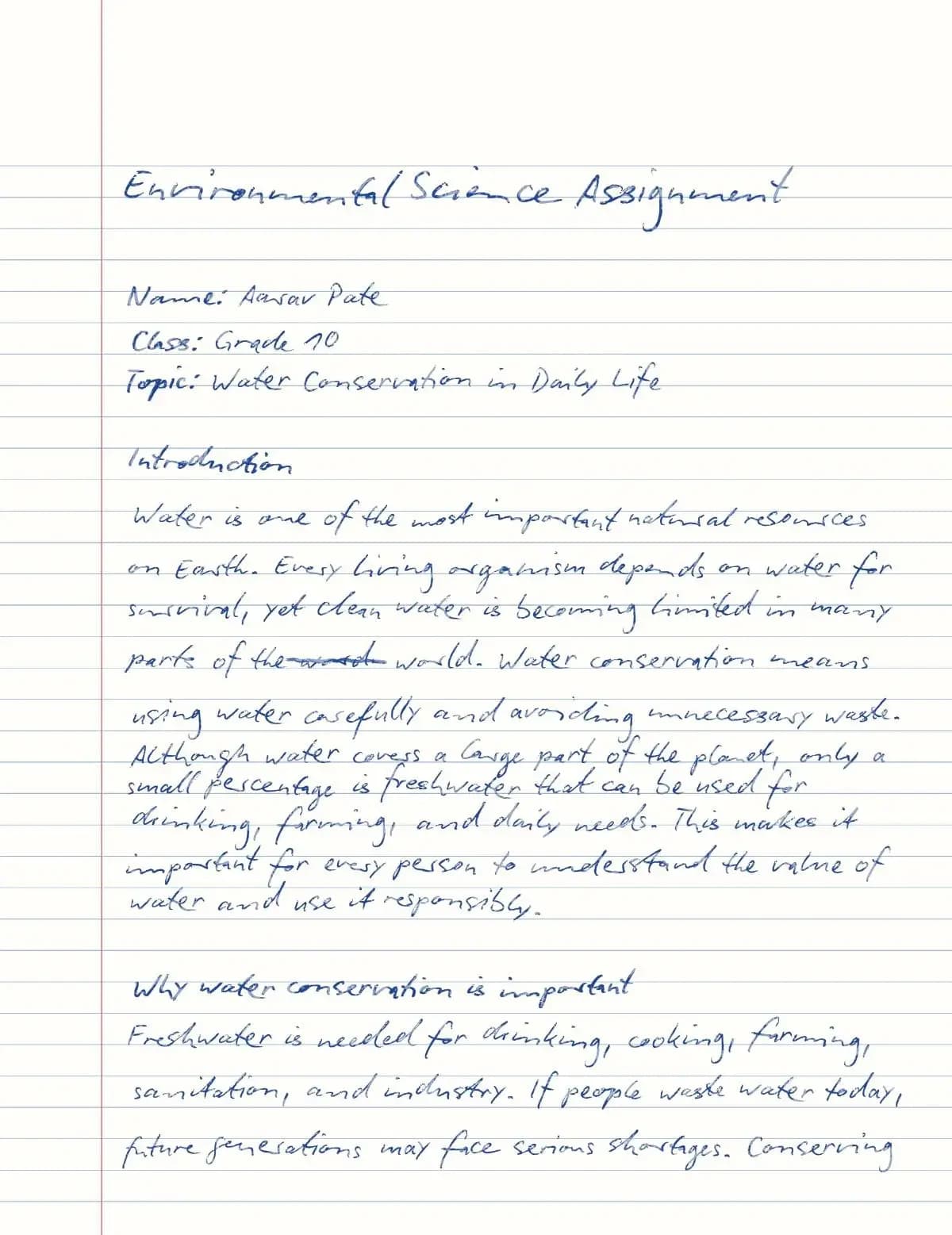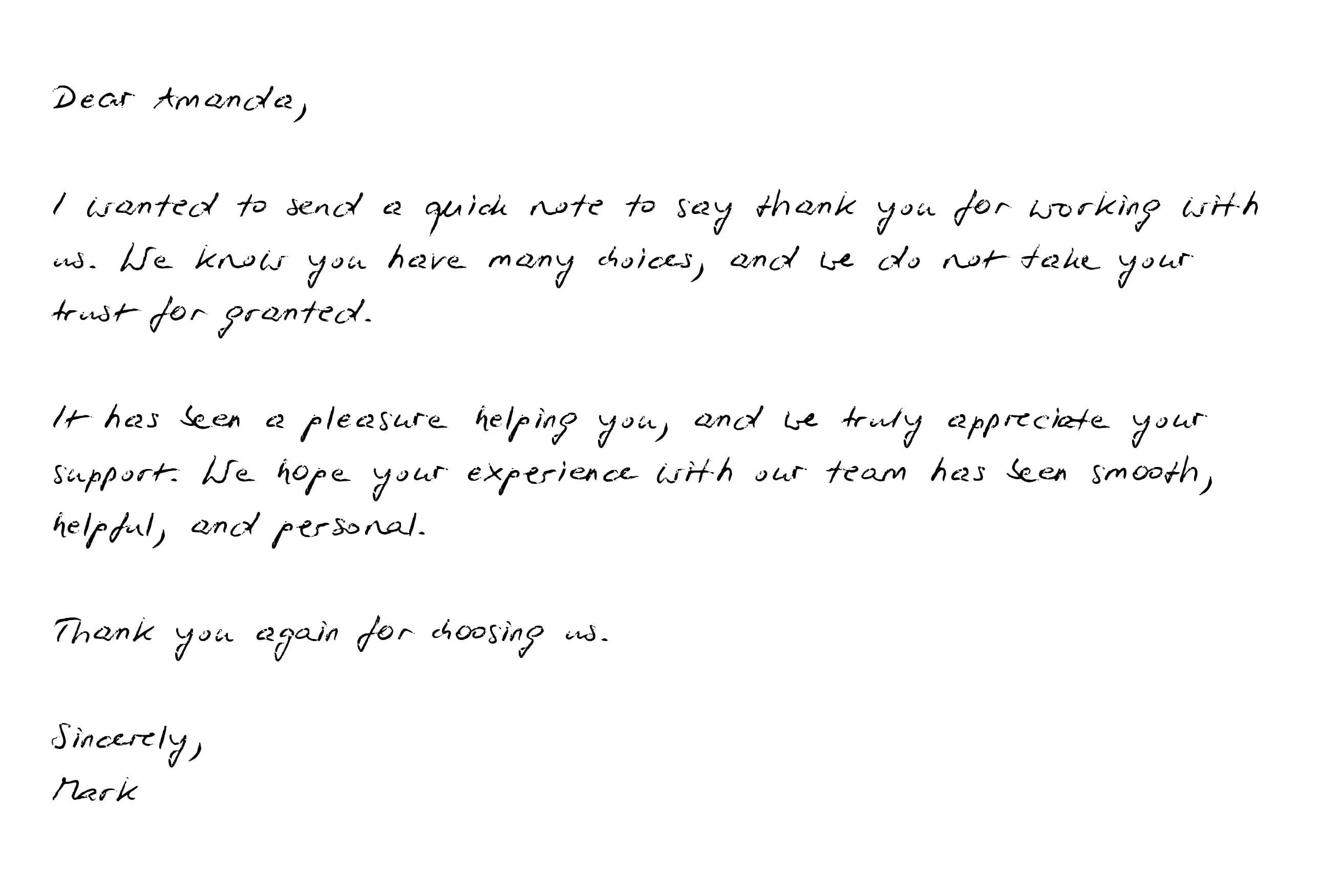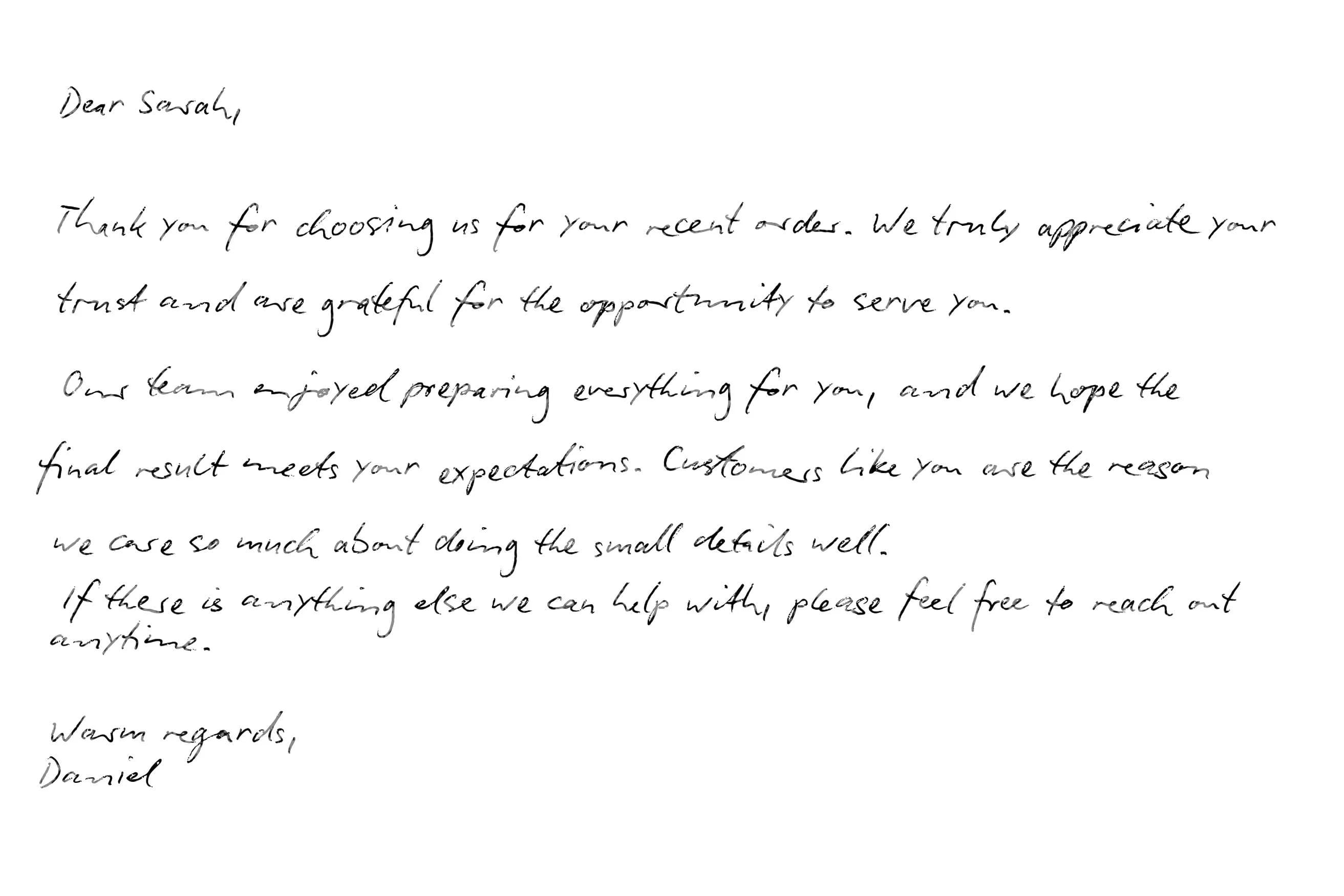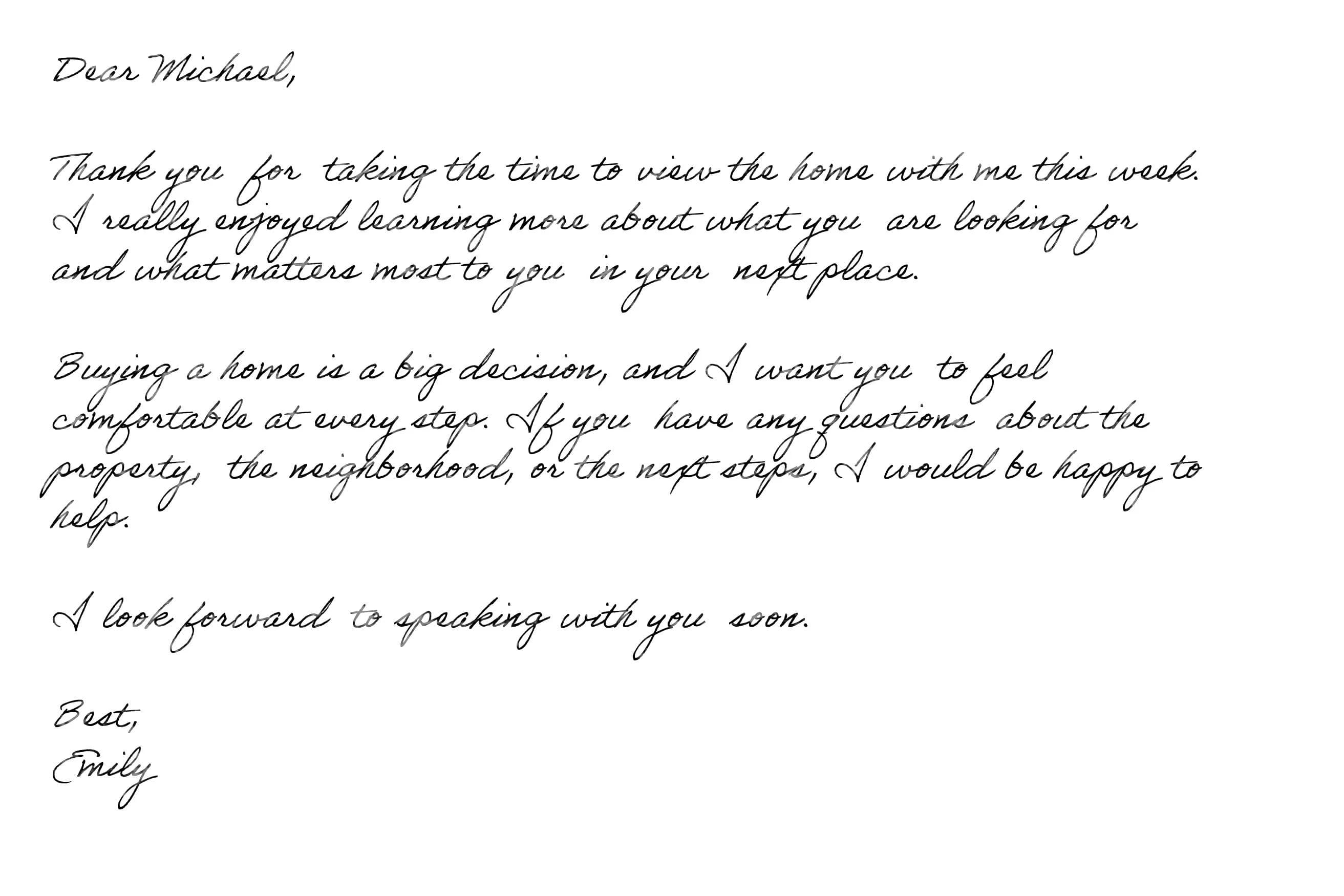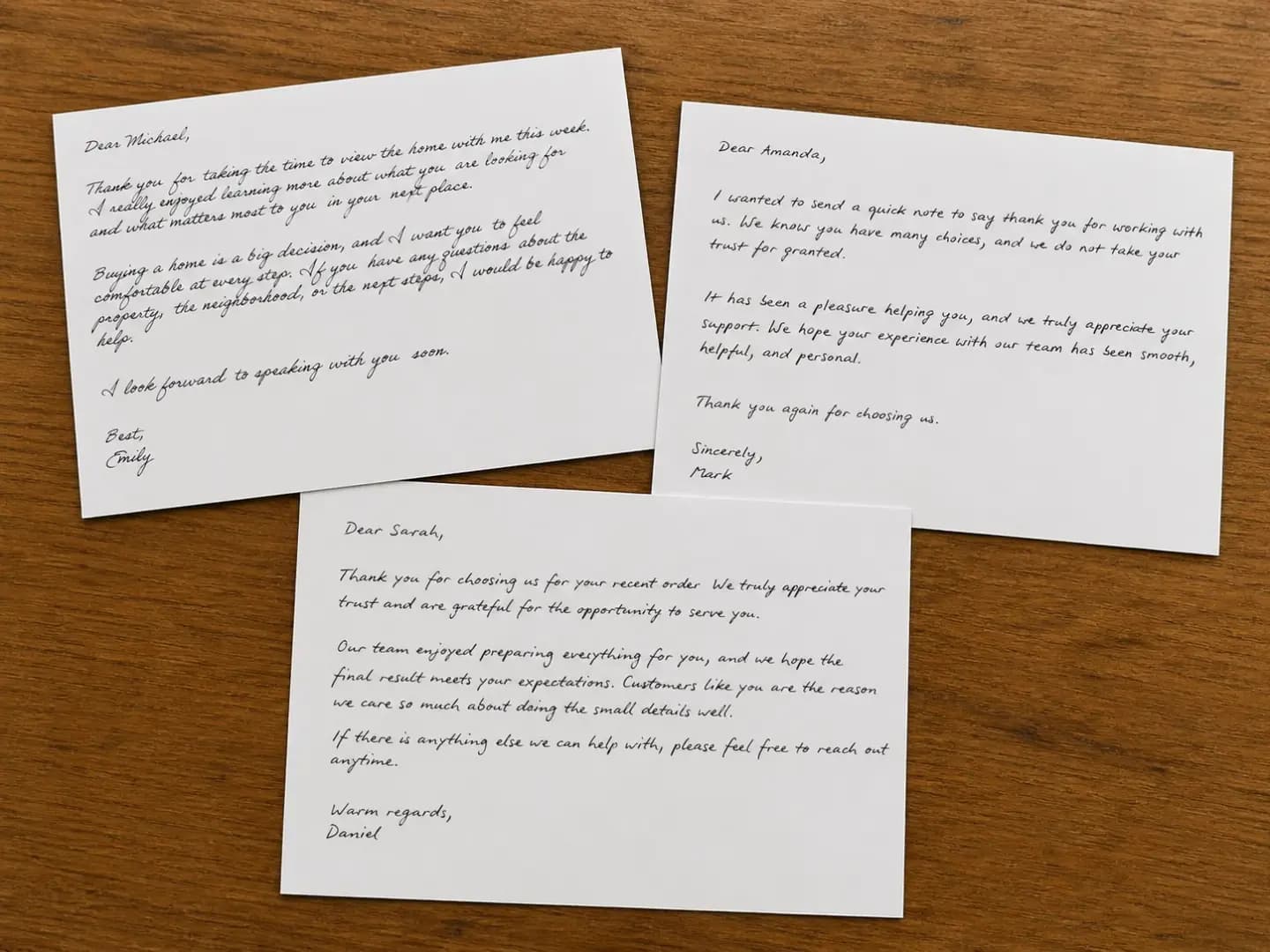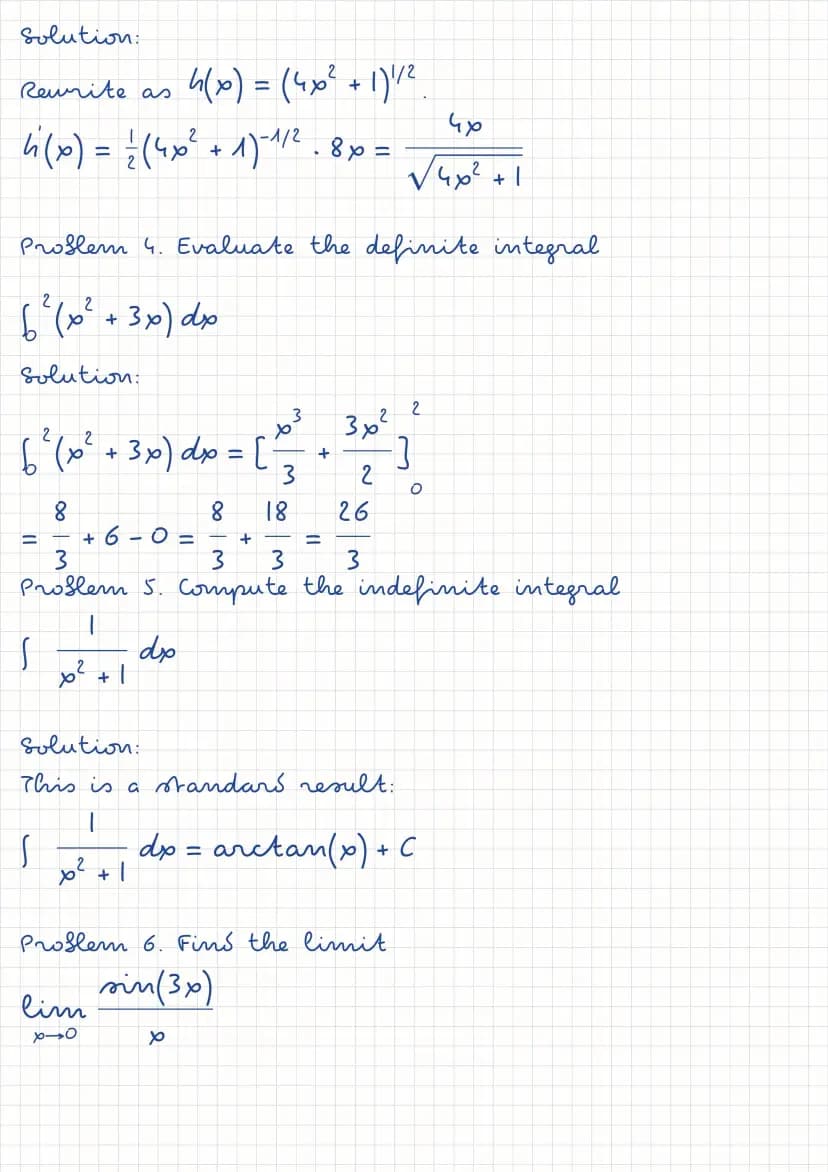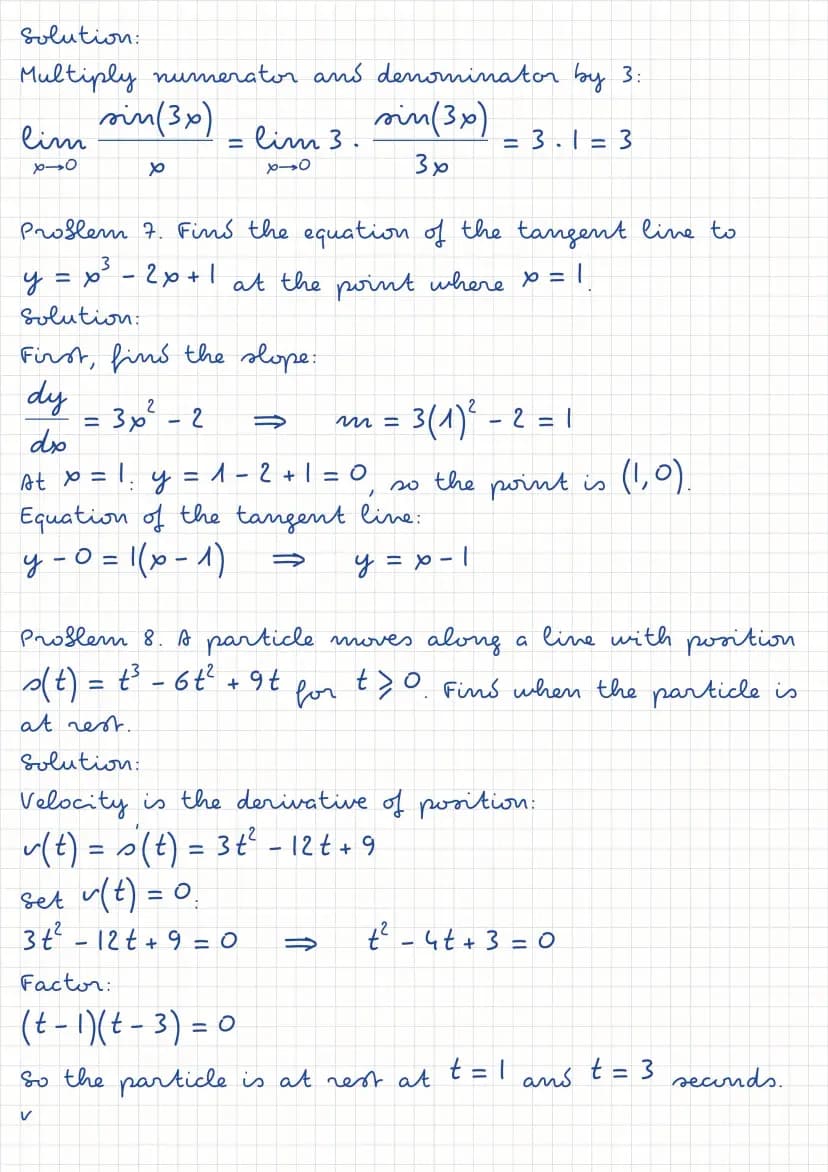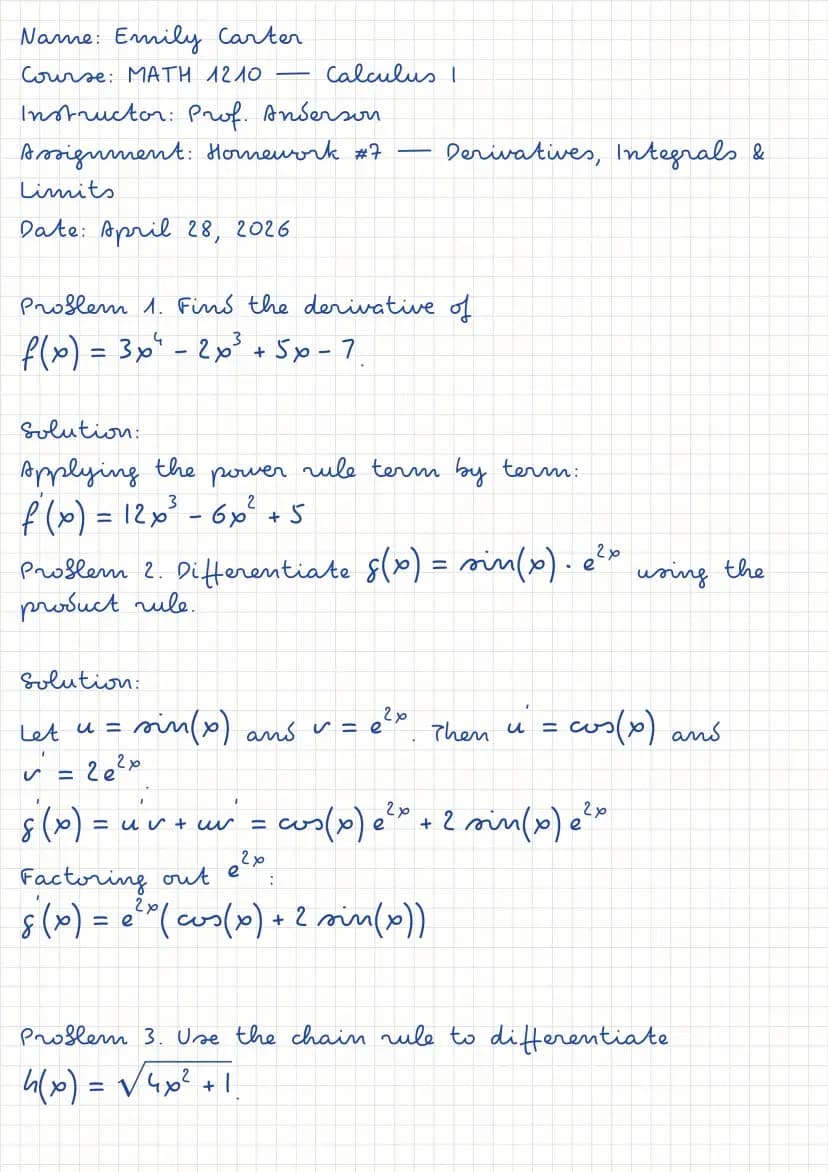
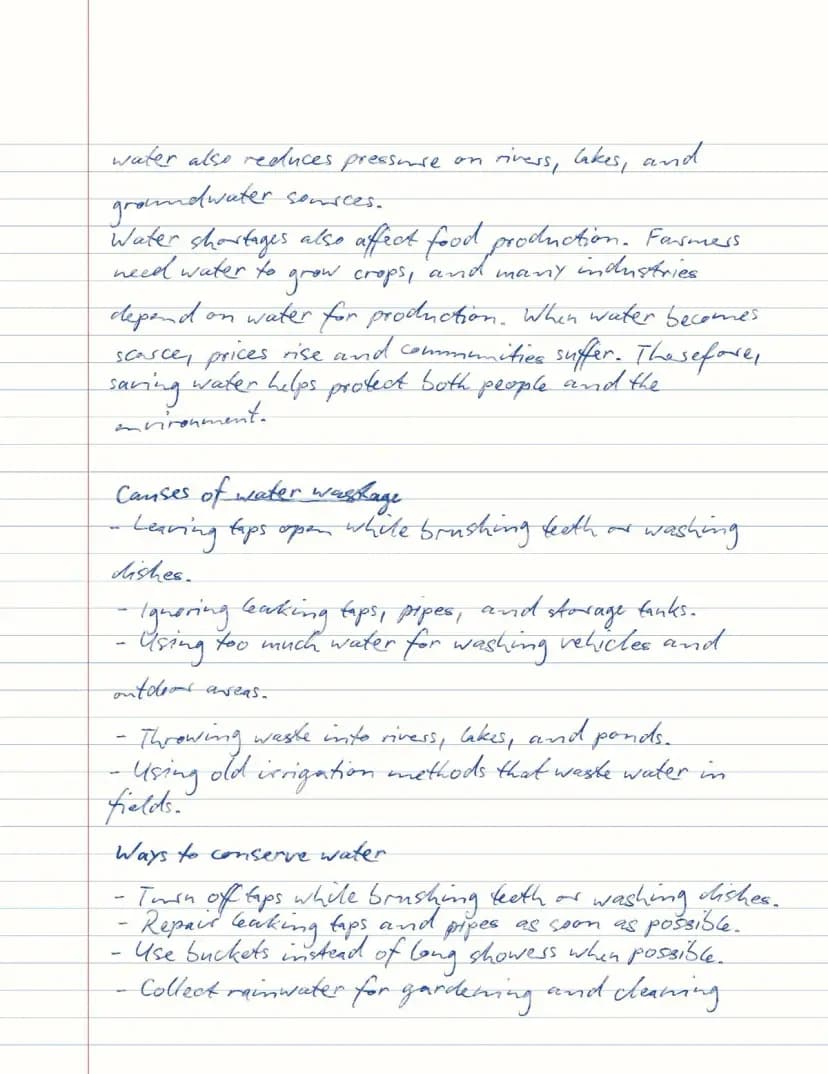
Handwritten assignment example
A typed assignment turned into handwritten pages on ruled paper, then printed.
Generated with Handtext
Ruled paper · Caveat
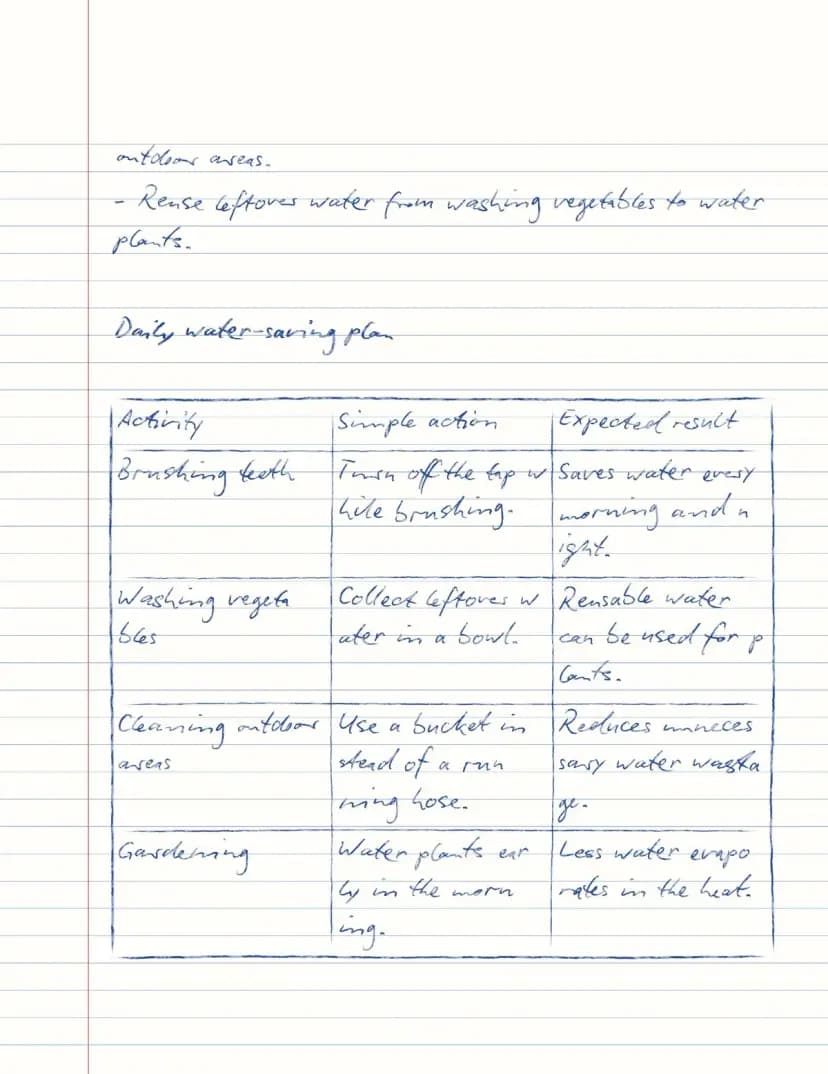
Printed on real paper
Printed on US Letter paper (8.5 × 11 in)

Convert typed or pasted text into realistic handwritten pages for homework assignments, class notes, study material, and printed letters.
Quick guide: Type or paste your text in the editor below, adjust the settings as needed, then click Generate to create your handwritten pages. Learn more →
Live preview. Generate to download full-size files. Each download uses one credit.
Generated in the Handtext editor, then printed on real paper.
A typed assignment turned into handwritten pages on ruled paper, then printed.
Generated with Handtext
Ruled paper · Caveat
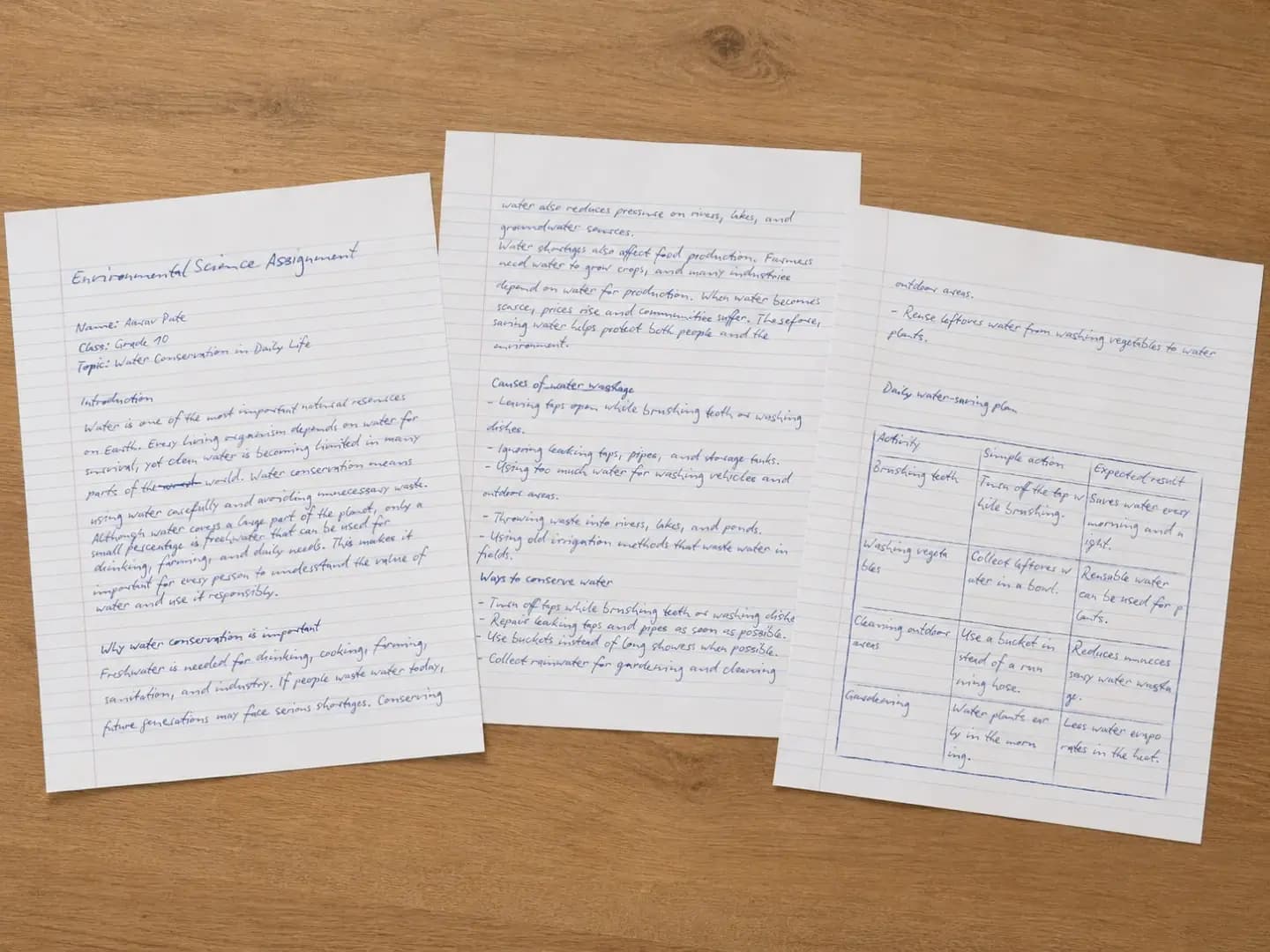
Printed on real paper
Printed on US Letter paper (8.5 × 11 in)
Short thank-you notes, each in a different handwriting font, printed and trimmed to card size.
Generated with Handtext
Blank paper · 3 fonts

Printed on real paper
Printed on 4×6 in paper (10 × 15 cm)

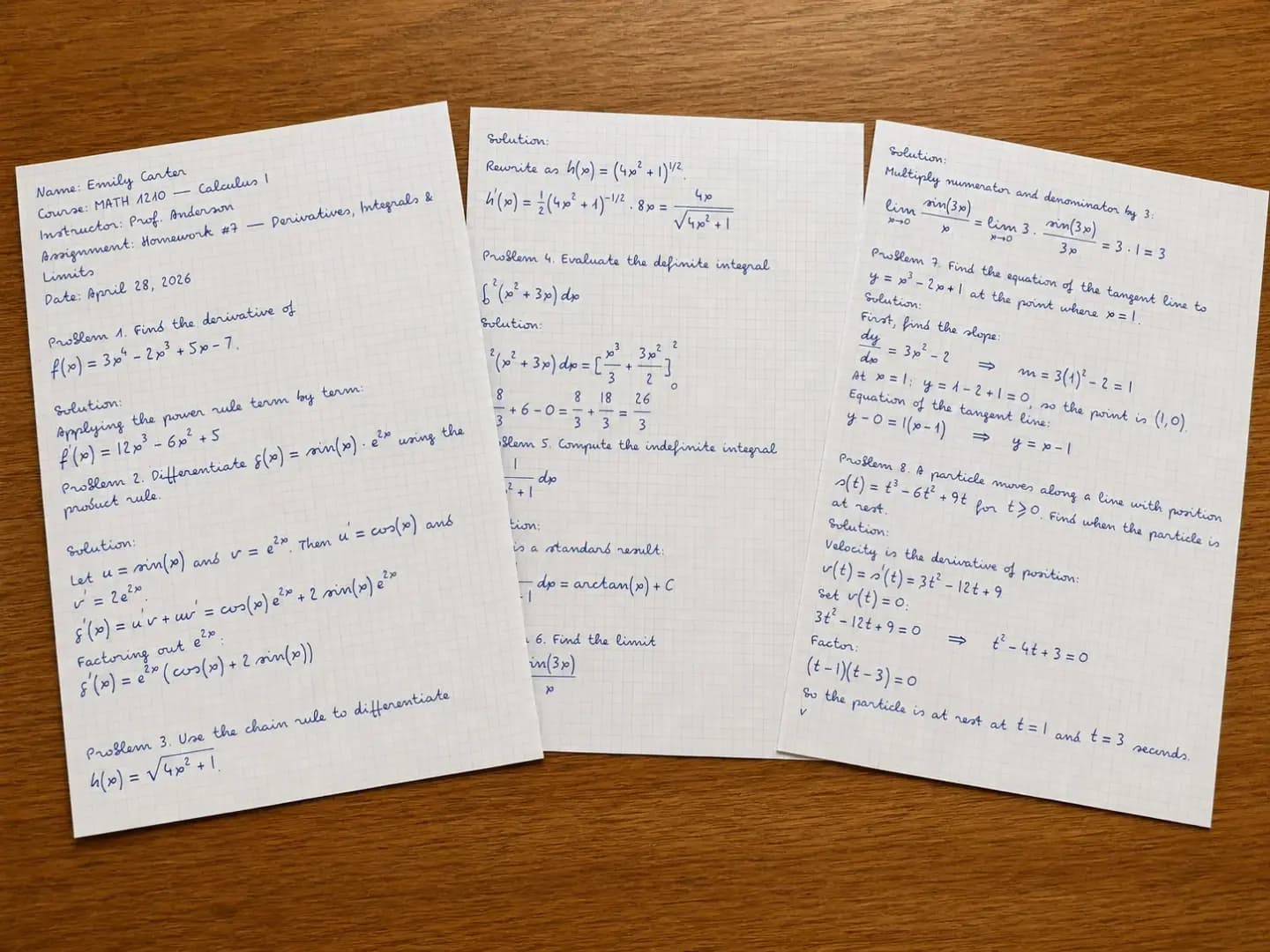
Calculus homework with equations on squared paper, printed on A4.
Generated with Handtext
Squared paper · equations

Printed on real paper
Printed on A4 paper (8.27 × 11.7 in)

Text to handwriting
Handtext is a handwriting generator for people who already have their text and need it to look handwritten. Paste your content, choose a handwriting font and paper, check the live preview, then download a printable PDF or images.
Assignments, class notes, study notes, language practice, letters, cards and printable pages.
Fourteen paper styles — lined, ruled, college ruled, grids, Cornell notes, legal pad and more.
Download a PDF that prints sharp at any size, or JPG/PNG images with one file per page.
Quick answers
Compare outputs
| Format | Best for | Output | Plans |
|---|---|---|---|
| Printing, submitting assignments, study notes and letters. | All pages in one vector file that stays sharp at any size. | Every plan. | |
| JPG | Sharing a page in a message, a slide or a document. | One image per page, with the paper background included. | Every plan; Regular quality (150 dpi). HD on Pro and Premium, 4K on Premium. |
| PNG | Design tools and further editing. | Lossless images, one per page, without compression artifacts. | Pro and Premium. |
Limits
| Area | Current limit | What to know |
|---|---|---|
| Document text | No character limit | Long text flows onto as many pages as it needs. |
| Monthly credits | Free 10 · Starter 150 · Pro 600 · Premium 2,000 | Each Generate uses one credit. The live preview is free, and a failed Generate returns its credit. |
| Page size | A4, portrait or landscape | Print the PDF on A4, or let your printer scale it to another size. |
| Plan features | Some papers, formats and quality levels | Locked options show a PRO or PREMIUM badge; you can still preview them before upgrading. |
Transform text into handwriting. We make it simple.
Type or paste your text into the editor
Start with plain text, then give it structure with paragraphs, bullet or numbered lists, tables and math equations.
Choose your font, paper and realism
Pick one of 26 handwriting fonts and one of 14 papers, then adjust size, spacing, margins and realism. Add paper texture, shading or soft focus for a photographed look.
See every page update as you type
The preview shows the handwriting, paper and page breaks as they will print. Adjust until it looks right — previewing is free.
Generate the final file when you are happy with the preview
Click Generate to download a PDF, or JPG/PNG images with one file per page, then print it if you like. Your documents stay in My Texts to download again.
For more detail on papers, formats, limits and common workflows, read the full Handtext guide.
Everything you need to turn typed text into handwritten pages.
Every letter gets its own slight variation in size, slant and position.
Choose the realism level — from neat and tidy to lifelike, where no two letters look the same.
Download a PDF that prints sharp at any size, or JPG/PNG images.
The download matches the live preview page for page, on A4 in portrait or landscape.
Almost every font covers English and accented Latin-alphabet languages. A few fonts lack some accents — check the live preview before you generate.
Write equations in LaTeX — fractions, roots, integrals and matrices — in your handwriting font.
\frac{a}{b} + \sqrt{x}Neat print hands, casual scripts and flowing cursive — every font on every plan.
Blank, lined and ruled on every plan; college ruled, grids, Cornell notes, legal pad and more on Pro.
Insert tables from the toolbar; their borders are drawn as if by pen.
Turn text into joined-up cursive with script fonts like Dancing Script or Sacramento.
Long text flows onto new pages automatically.
Font size, line height, letter, word and paragraph spacing.
Break long English words across lines, with a hyphen.
Drawn by hand, like real pen corrections.
Paper texture, shading and soft focus for a photographed feel.
See every page before you generate — previewing is free.
Print-ready PDF or images, in Regular, HD or 4K quality.
Ruled papers set their own margins; adjust any edge yourself.
Bulleted and numbered lists keep their markers on the page.
Every generated document is saved to download again.