
Turn Typed Class Notes into Handwritten Pages
Type your notes as fast as the lecture moves, then turn them into neat handwritten pages on lined or ruled paper for revision or a printed notebook.
Handtext Team6 min read
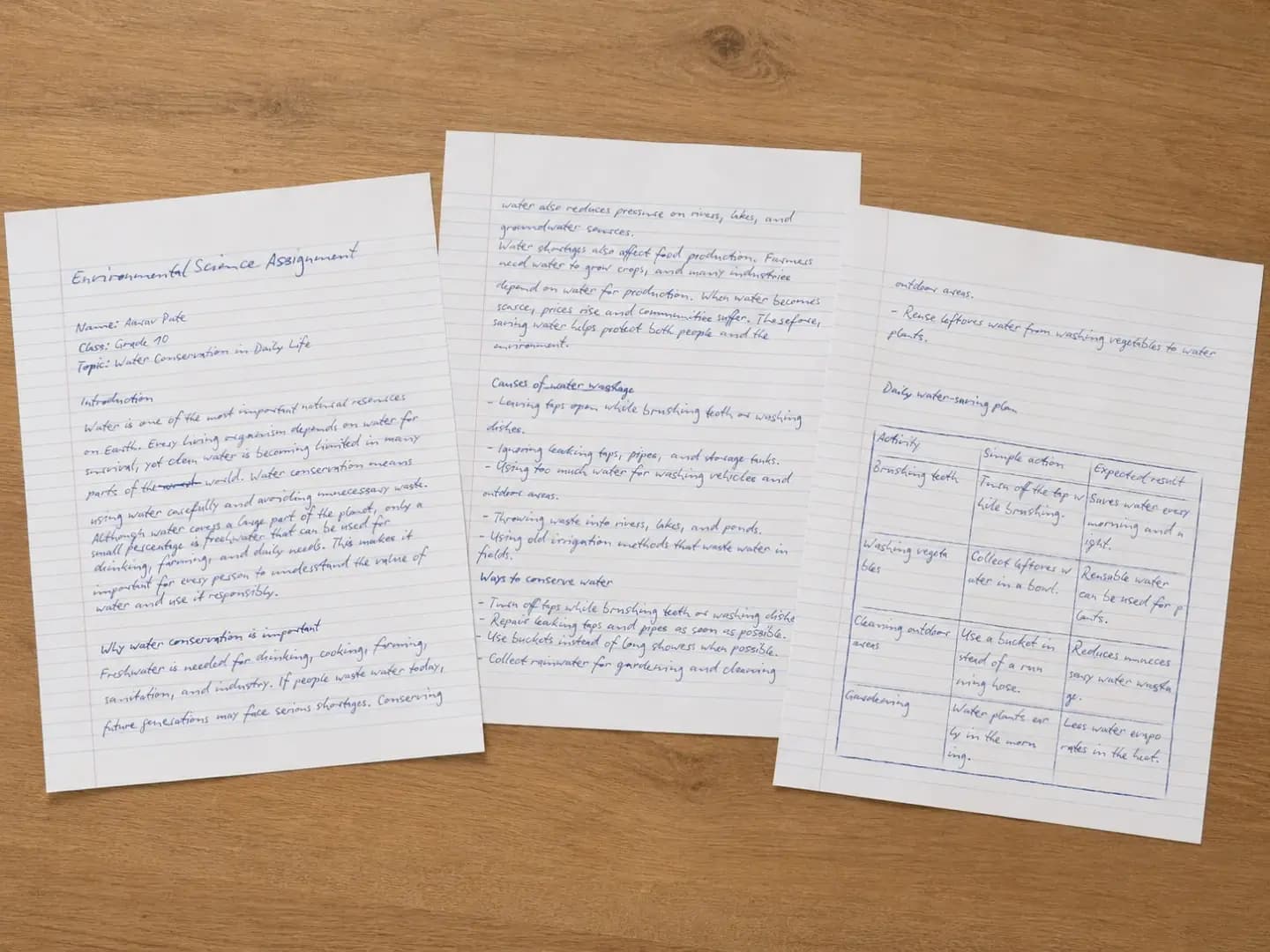
Typing keeps up with a fast lecture; writing by hand helps many students review and remember. You do not have to choose. Take notes on your laptop, then turn them into handwritten pages you can print, annotate and keep in a binder.
Clean up your notes first
Paste your notes into the editor and give them structure. Put each topic title on its own line, and use bullet or numbered lists to keep definitions and steps tidy. Long notes are fine — they flow onto as many pages as they need.
Choose the right paper
- Lined or Ruled paper for regular notes — the rules sit under your text just like a notebook.
- College ruled (Pro) for denser notes with a wide left margin for comments.
- Squared or Math grid paper (Pro) for science and math subjects.
- Cornell notes paper (Pro) if you like a cue column and a summary area at the bottom.
Tip: When you pick a ruled paper, Handtext sets the margins for you so the text starts right of the red margin line.
Make it readable
For study notes, readability beats flourish. Choose a clear print hand such as Patrick Hand, Architects Daughter or Caveat, keep the realism around “Natural” or “Casual”, and use the Line height setting so each line of text fits the ruling comfortably.
Export and study
- Generate the pages and flip through the live preview.
- Download a PDF to print, or JPG/PNG images to import into a note-taking app.
- Print, punch and file — then add your own highlights and margin notes by hand.